React Native upgrades for agencies
The React Native upgrade your team keeps postponing. Delivered as a pull request.
The App Store and Google Play keep raising the requirements for new releases, and an old React Native version can block your next one. Mobile Modernizer does the upgrade and checks that the app builds and starts. Your team reviews, tests and merges.
For agencies on GitHub. Each pilot is scoped first.
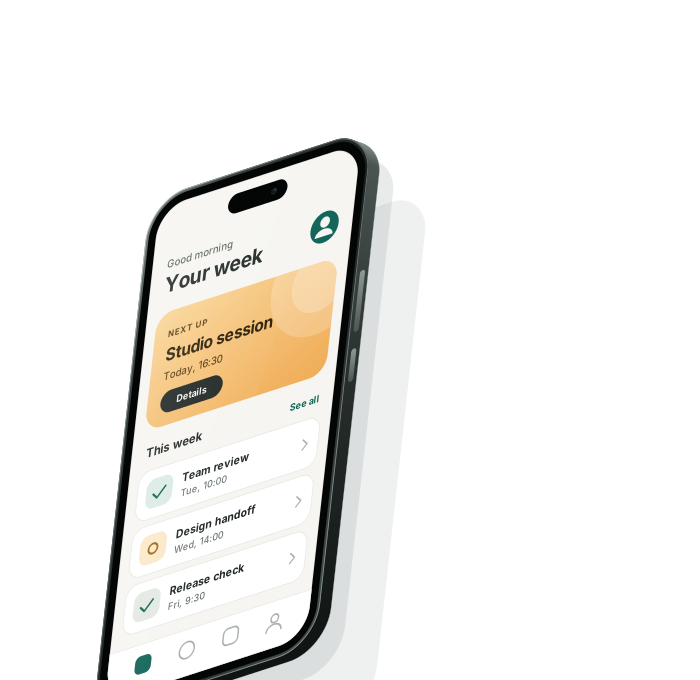
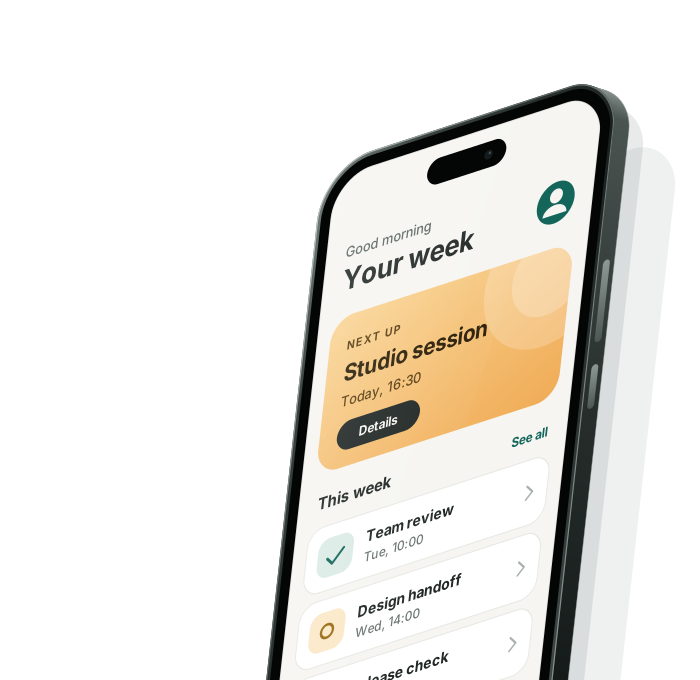
Before: an older React Native
After: a current React Native. Pull request ready for your review.
Why now
An old React Native version can block your next release.
-
Google Play requires a current Android target.
Since August 31, 2026, every new app and every update must target Android 16 (API level 36). An app that targets less than Android 15 is no longer offered to new users on newer Android versions.
-
The App Store requires a current Xcode.
Since April 28, 2026, every upload must be built with Xcode 26 or later.
-
The longer the wait, the larger the upgrade.
Each React Native release changes build tools and libraries. Skipped versions add up.
No store rule names React Native. But an old React Native version can be what keeps an app from meeting these rules. Mobile Modernizer does that upgrade. The store release stays with your team.
Who does the work
Not an AI tool. A service with a person responsible.
Mobile Modernizer is not a tool your team has to operate.
-
An engine reads the app and writes the readiness report from fixed rules, with no AI model inside.
-
The upgrade is done with AI, under the plan you approved.
-
A senior mobile developer supervises each upgrade, checks the build and the launch, and answers your questions in the issue.
What you get
One pull request, ready for your review.
-
One pull request
The whole upgrade arrives as one pull request in your GitHub repository. Nothing is merged without you.
-
Every change with its reason
The pull request lists every change with its reason. For each open point it says what was done and what the build showed.
-
Built and started on Android and iOS
The app is built for both platforms and started. The three to five screens you name are opened and, where the app allows it, photographed.
-
A list of what to test
The pull request gives your team the things to test before merging, ranked by risk.
-
A person responsible
A senior mobile developer is responsible for every upgrade.
How it works
One GitHub issue. Four lines from you.
-
Install
Install the Mobile Modernizer app on one repository. An issue opens there. Everything else happens in it.
-
Read the report and approve
You name who approves. A readiness report arrives in the issue. It lists the open points, each with its plan, and the changes the upgrade makes. One line from you approves it.
-
Follow the work
Mobile Modernizer posts the status in the issue. If it needs an answer, it asks one question there.
-
Review and merge
The upgrade arrives as a pull request. Your team reviews it with its own tests, merges, and writes
accept.
The four lines you write
-
approver @accountnames who approves. -
approve plan <code>is the written approval. -
choose Aanswers a question, if one is asked. -
acceptaccepts the merged pull request.
From your approval to the pull request
Mobile Modernizer expects to deliver the pull request within 3 working days of your approval. If it needs an answer from you on the way, the days count again from your answer.
Scope and price
What is included, and what it costs.
Included
- The upgrade of the app to the agreed React Native version, on the agreed branch, delivered as one pull request.
- The changes and the plan for each open point, as the readiness report shows them.
- A build and a launch check on Mobile Modernizer's machine, with photos of the screens you name where the app allows it.
- A pull request that says, for each open point, what was done and what the build showed.
Not part of it
- Your own tests and your release. They stay with you.
- Release signing and the store release.
- Replacing or removing a library. If a plan fails, Mobile Modernizer stops and asks you.
The price
One fixed price per upgrade, named in writing before you approve. If no pull request is delivered, nothing is charged.
Who tests what
Clear roles. Nothing is claimed that was not checked.
Who tests what
Mobile Modernizer tests that the app builds, starts and shows no visible crash or defect. Your team tests the changes with its own tests and its release process.
What a pull request states
| Claim | Stated in the pull request | Never implied |
|---|---|---|
| The build succeeded | Platform, build type, machine, commit | Release signing, which stays with you |
| The agreed screens were checked | Each named screen opened | That screens not named work |
| Ready for production | Never claimed | Your tests and your release process decide that |
Your code
- Before you approve, Mobile Modernizer changes no code in your repository. It opens one issue.
- Nothing is merged without you. Mobile Modernizer opens a pull request, and only your team merges it.
- Your code is processed by one AI provider, Anthropic.
- When the upgrade is accepted, you can remove the app's access.
Example
One test upgrade, from React Native 0.85.3 to 0.88.1.
Mobile Modernizer ran the whole service once on an open-source app, as a rehearsal. It was not a client project, and Mobile Modernizer took the agency's part itself.
-
The report
Seven open points, each with its plan, and eight changes the upgrade makes.
-
The build
The build asked for six more changes that the report had not predicted. Each one is in the pull request with its reason.
-
One question
Once, the work stopped and asked a question about two libraries. It went on after the answer.
-
The check
The app was built for Android and iOS from a clean install, started on an iOS simulator and an Android phone, and its main screens were opened. One layout defect on Android was compared with the version before the upgrade. It was already there, so the pull request reports it as an observation, not as a change.
-
The delivery
One pull request with 16 commits, each change with its reason, and five things to test, ranked by risk.
Request a pilot upgrade
Start with one app.
Write to Mobile Modernizer with two things: the name of the app's GitHub repository and the React Native version it runs today. Each pilot is scoped first. You hear whether the app fits a pilot, and what the next step is.
GitHub only for now.